The best kittens, technology, and video games blog in the world.

Showing posts with label cloud. Show all posts

Sunday, June 25, 2017

Celebrating Cloud's 10th Birthday With Cat Pictures

Cloud is now a serious mature lady cat. Let's celebrate it the best possible way - by posting a lot of cat pictures!

Young Cloud

In her youth "smartphones" took potato-quality pictures which took a minute per picture to transfer over custom USB cables, so unfortunately I don't have many photos from that time.

The few I've got shows she already had affinity towards computers, using laptop power supply as a chair:

Cloud And Computers

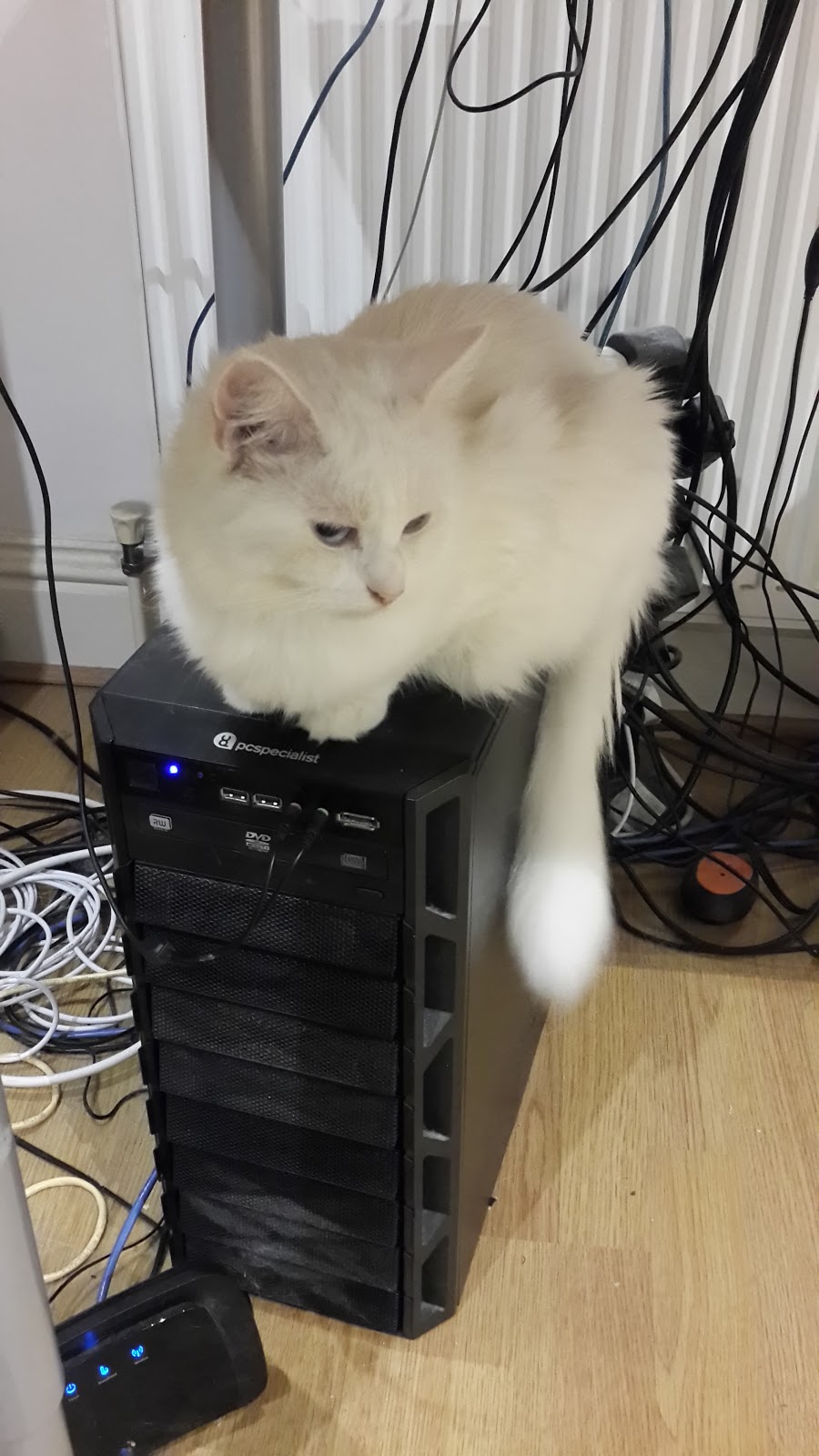
Cloud is indoors cat surrounded by computers, so she took a lot of interest in them.

What a nice keyboard pillow:

I wonder what keyboard pillow tastes like?


Fixing Cabling:


3D Printing:


Using laptops as chairs:


Hooman got me new laptop chair? Did it come in a box too?


This laptop is weird, but if I fits, I sits:


Doing Hooman Things

Cloud was curious about things hoomans do, so she sometimes trying to act like one, but eventually figured out it's much better to just be a cat.

Drinking coffee:

Standing on back paws:


Packing for travel:


Exploring Her World


As indoors cat she doesn't have far to explore but she's still doing her best.

Going up:


What is my hooman doing down there?


Visiting vet:


Keeping her fur snow white:


Cloud and Chair

Cloud loves her hooman's chair. Especially when it's warm after use. There's just one problem - the hooman needs that chair too.

Using chair as bed:


Using chair for photoshoots:


OK hooman, you can keep the big one, I like the cat-sized sidechair better anyway:


Sleepy Cloud

As a proper cat, Cloud loves sleeping on everything.

Sleeping next to a computer:


Sleeping in boxes:


Sleeping on her cat tree:


Sleeping on what her hooman is trying to read:


Or write:


Playful Cloud

Unfortunately it's hard to get a good pic of Cloud in action, as she's not a very active cat, and I don't have a Go Pro.

Here's a photo of her catching a bird on a stick:


Just being cute


Like any cat she loves just being cute:


Happy Birthday Cloud!

Saturday, July 06, 2013

Dropbox as solution to minor inconveniences

Just Too Cute! by Bill Gracey from flickr (CC-NC-ND)
I'm sure most people reading this blog have multiple computers and computer-like devices (like phones, Raspberry Pis and whatnot). This comes with a huge deal of minor inconveniences - files are often on one of devices but you want to access them somewhere else.

Traditional solution was imperative file transfer - there's always some way to order a computer to transfer a file somewhere else. There's a ton of issues with this since computers are not always turned on, they're not always on networks, file transfer fail, in many cases you want to edit the same resource from different computers at different times and still want just one canonical representation of it.

Here comes Dropbox (and similar Cloud-based solutions) - its biggest innovation is replacing the imperative paradigm with declarative file transfer. You link a directory like ~/Dropbox with your account, you add, edit, and delete files and directories within it any way you like, and without your effort to babysit all that Dropbox takes care of it to make sure your ~/Dropbox directory everywhere else also reaches such state.

This solves a lot of issues like:
  • You want to keep .dotfiles across multiple machines in some single versioned repository - you can solve that with Dropbox and some symlinkery (or a private github account and some symlinkery).
  • You want photos you make on your camera available on your computer - at the phone should do the uploading whenever you're on some wifi, without your intervention. Dropbox completely solves that problem.
  • You play a game like Cockatrice on multiple machines and you edit your decklists on multiple machines. Manually sorting out which decklist is the most recent one is pretty annoying - but Dropbox does that for you.
  • A simple todo.txt file is pretty awesome if you're moving between computers a lot, even if it's obviously not a full GTD solution. In the past I did silly things like making gmail drafts for that, which I then accessed from multiple places.
  • You want to write a quick note for action later, but you're somewhere outside with no paper? Simply open Dropbox directory on your phone, create somefile.txt, write whatever you wish there, and you'll get it on your computer for later access automatically. There's no way to forget about it.
  • For that matter simply transferring files between computers not on shared network can be a big pain in the ass. For small files people just send emails to themselves with such files as attachment - and it's another problem Dropbox solves completely.
Ironically the only one problem that Dropbox is really horrible at solving is backups.

By the way, Dropbox gives away a lot more space than it seems at first - my free account was 2 GB initially, but they just increased that to 51.25 GB for simply connecting a few boxes and a phone to it.

Basically, the only two reasons you could have for not using Dropbox is:
  • you only ever use 1 computer and 0 smartphones (pretty unlikely if you're reading this blog) 
  • you use another Cloud storage service like Google Drive (with drivers installed on all your boxes)